
In the early days of email, the internet was a friendlier, more trusting place. You could send an email claiming to be billgates@microsoft.com, and most receiving servers would simply accept it at face value. Those days are long gone.
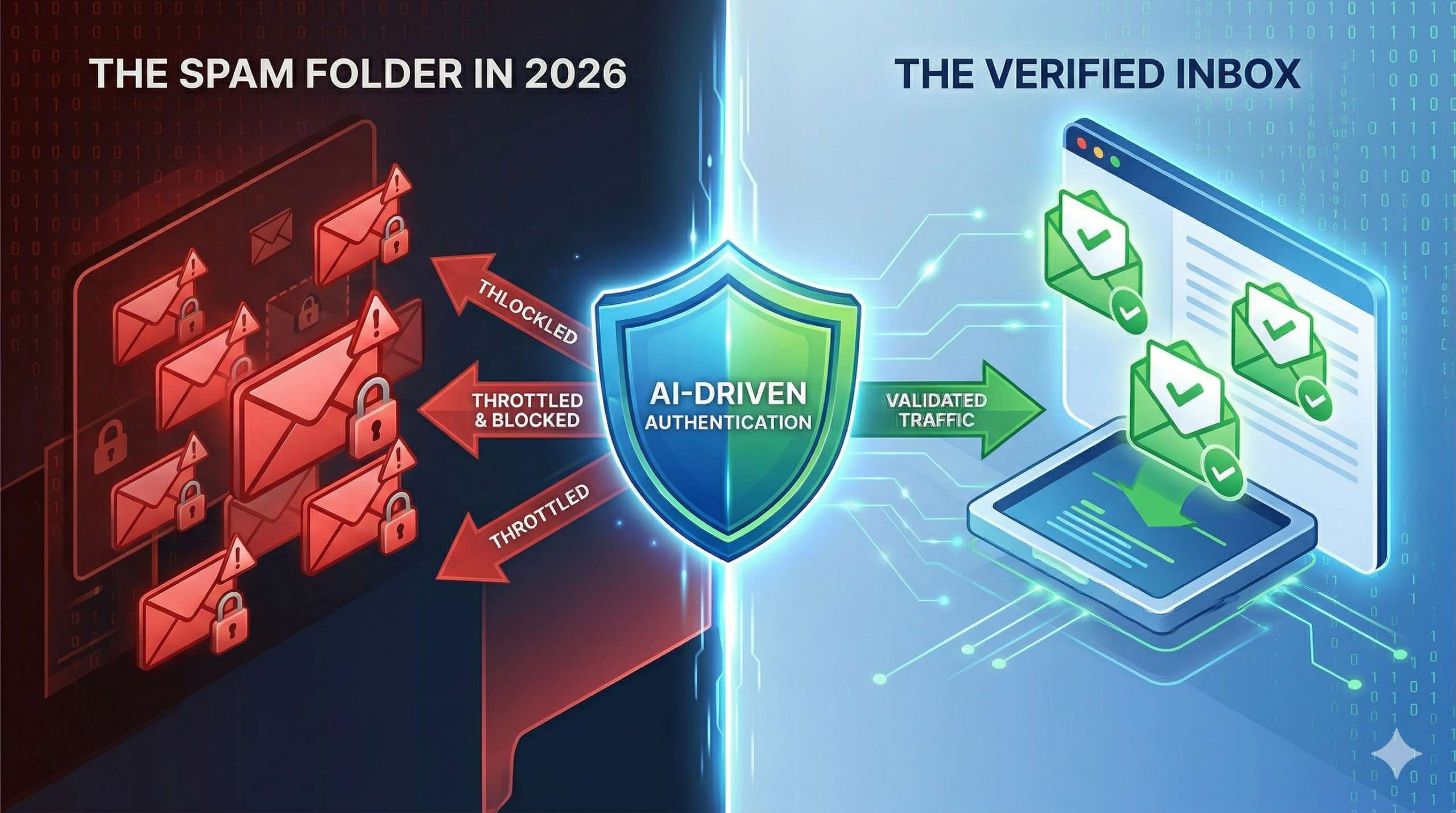
By 2026, the email landscape has been entirely reshaped by AI-driven filtering and sophisticated phishing attacks. For a modern enterprise or high-volume sender using 171mails, showing up at an ISP’s gateway without proper authentication is like trying to board an international flight without a passport. You might have a ticket (good content), but you aren’t getting on the plane.
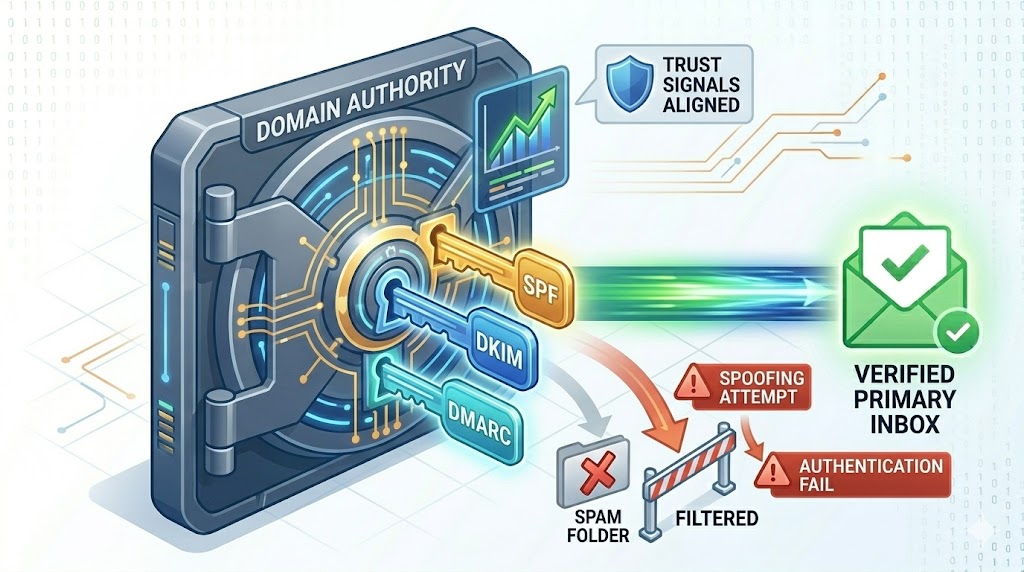
To land in the Primary Inbox today, your infrastructure must perform a flawless “Digital Handshake” with every receiving server. This handshake isn’t a single check; it is a cryptographic trinity of protocols: SPF, DKIM, and DMARC. If you have 20 years of experience like I do, you know that optimizing these three layers is the single most effective “deliverability hack” available.
1. SPF (Sender Policy Framework): Your Domain’s Authorized “Guest List”
Think of SPF as the security guard at the front door of an exclusive event. The guard has a guest list. If your name (your sending IP address) isn’t on that list, you are not getting in.
How SPF Works: You publish a simple text (TXT) record in your Domain Name System (DNS). This record lists every single IP address or third-party service (like 171mails) that is officially authorized to send email on behalf of your domain (yourbrand.com).
When Gmail receives an email claiming to be from sales@yourbrand.com, it immediately checks your DNS.
-
The Match: If the email originated from a 171mails IP listed in your SPF record, the handshake passes.
-
The Fail: If a spammer tries to spoof your domain from an unauthorized server, Gmail sees the discrepancy and flags the email as suspicious.
The Veteran’s Warning on SPF: The most common mistake I see is the “Too Many DNS Lookups” error. SPF has a strict limit of 10 “include” lookups. If you have authorizations for 171mails, Zendesk, Salesforce, HubSpot, and five other services, you will hit this limit. This causes your SPF to fail, even if 171mails is listed.
At 171mails, we help enterprise clients “flatten” their SPF records or implement complex “Macros” to ensure they never hit this critical technical bottleneck.
[Image: The SPF authorized IP guest list vs a spoofer]
2. DKIM (DomainKeys Identified Mail): The Cryptographic “Seal of Integrity”
While SPF verifies where the email came from, it doesn’t verify that the message itself wasn’t altered during transit. This is where DKIM comes in.
In the old days of courier services, high-value documents were sealed with wax and a signet ring. If the wax was broken, the receiver knew the document had been tampered with. DKIM is that wax seal, but for the digital age.
How DKIM Works: When you send an email via 171mails, our MTA (Mail Transfer Agent) uses a Private Key (the signet ring) to create a unique digital signature (the wax seal) for that specific message. This signature is embedded in the email’s hidden headers.
We also provide you with a matching Public Key to publish in your DNS. When the receiving server gets the email, it grabs your Public Key and uses it to verify the signature.
-
The Match: If the public key unlocks the signature and confirms the HTML and body text match exactly what was signed, the “Seal of Integrity” passes. Gmail knows that no “man-in-the-middle” changed
yourbrand.comtophishing-brand.cominside the message.
The Veteran’s Secret on DKIM: Always use a minimum of 2048-bit DKIM keys. 1024-bit keys, while still common, are increasingly considered weak and are easier for modern AI systems to crack. To maximize reputation ownership in 2026, the strength of your cryptographic signature matters.
3. DMARC: The Trinity’s “Enforcement Officer”
You can have SPF and DKIM set up perfectly, but if you don’t have DMARC, you have no control. DMARC is the boss that tells the ISPs what to do if the first two checks fail.
Without DMARC, if SPF/DKIM fail, Gmail uses its own AI to guess. “Maybe this is a legitimate forward? Maybe it’s spam?” The AI is often wrong.
The DMARC Policy Journey: When you implement DMARC, you move through three policy stages:
-
p=none (Monitoring Mode): This is the “safe mode.” You tell the ISPs, “If SPF/DKIM fails, send me a report, but let the email through anyway.” This allows us at 171mails to analyze who is sending mail as you and fix any configuration errors.
-
p=quarantine (Soft Enforcement): “If SPF/DKIM fails, send the email directly to the Spam folder.” This protects your main domain from massive spoofing attacks.
-
p=reject (Full Enforcement): The holy grail of deliverability. “If SPF/DKIM fails, block the email entirely. Do not let the user even see it.”
Why p=reject is Critical in 2026: A p=reject policy is the strongest “Institutional Trust” signal you can send to an ISP. It proves you have total, 100% control over your domain’s infrastructure. Receiving servers love p=reject senders because they can trust that if SPF/DKIM passes, the mail is real. This trust results in immediate and sustained Primary Tab placement.
[Image: The DMARC P=Reject Policy Protecting Domain Reputation]
Summary: The Security Layer is Your Strategic Asset
In 2026, authentication isn’t just a technical requirement; it is a business accelerator.
By aligning SPF, DKIM, and DMARC with the expert guidance of 171mails, you create a impenetrable layer of trust. You protect your users from fraud, you protect your domain from blacklisting, and—most importantly—you secure your place at the top of the Primary Inbox.
The Digital Handshake is how you prove you are an enterprise that commands respect.