
If you are sending high-volume mail to Gmail without monitoring Postmaster Tools, you are flying a 747 in a storm with no radar. Eventually, you’re going to hit a mountain.
In the old days, deliverability was a guessing game. Today, Google has opened the kimono with Postmaster Tools V2. This isn’t just a “nice-to-have” reporting tool; it is the official compliance record for your domain. In 2026, Google has tightened the screws: the “Spam Rate” threshold is no longer a suggestion—it’s a kill-switch. If you hit 0.3%, your domain is essentially dead in the water.
Here is how the elite senders use GPT to maintain “Institutional Trust” on the 171mails infrastructure.
1. The V2 Compliance Dashboard: Your “Pass/Fail” Grade
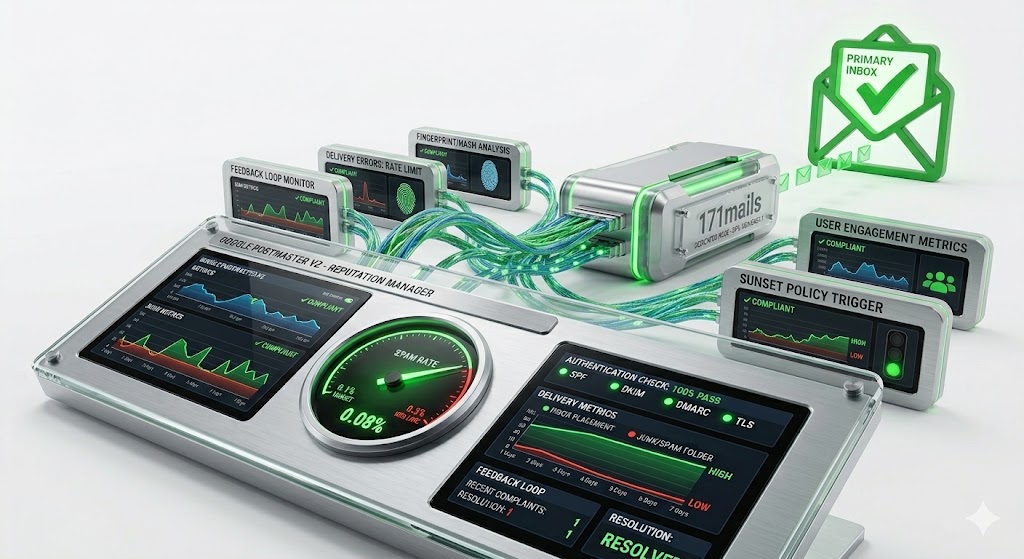
The biggest update in 2026 is the Compliance Status Dashboard. Google has moved away from vague reputation scores and replaced them with a hard checklist for all senders—especially those hitting the 5,000+ daily message mark.
-
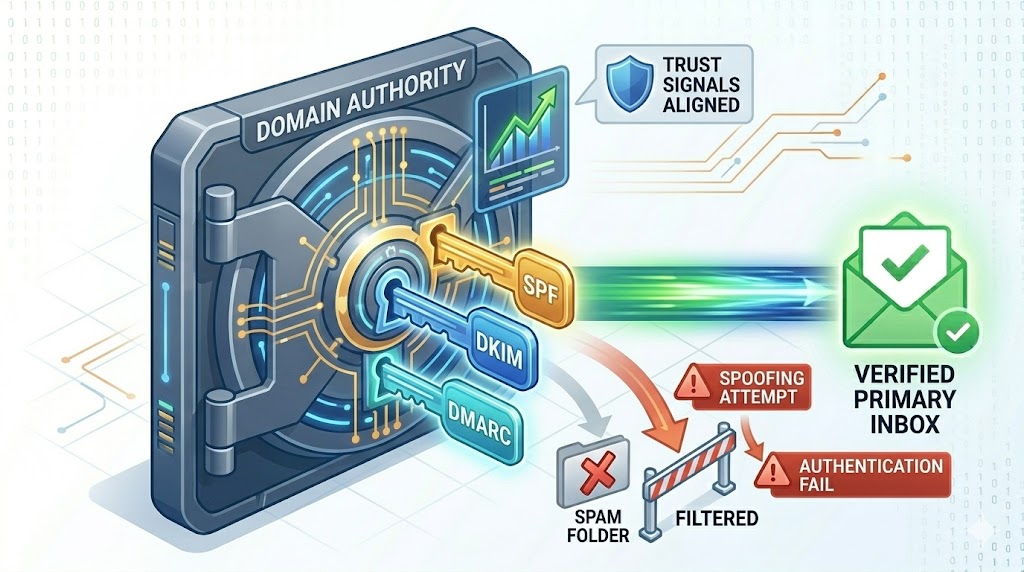
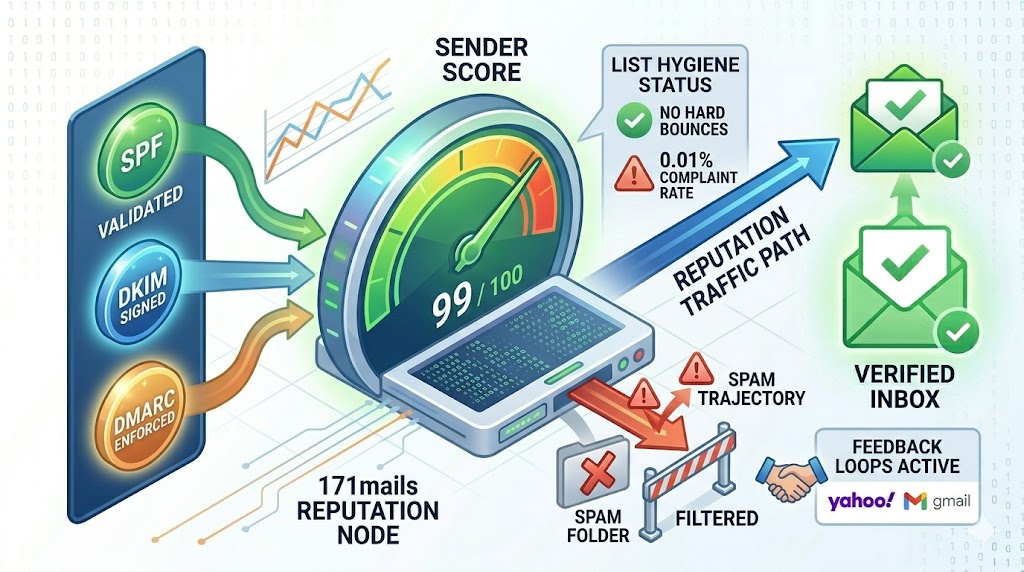
The Essentials: You need green checks across SPF, DKIM, and DMARC alignment.
-
The Bulk Requirement: If you are an enterprise sender, GPT now explicitly tracks your One-Click Unsubscribe compliance. If this isn’t active, your “Compliance Status” flips to red, and Gmail will begin preemptively throttling your 171mails nodes.
2. The “Golden Ratio”: Managing the 0.1% Spam Rate
In 2026, the math is simple but brutal.
-
0.1% (Target): This is where you want to live. It signals to Google that your content is “Desired.”
-
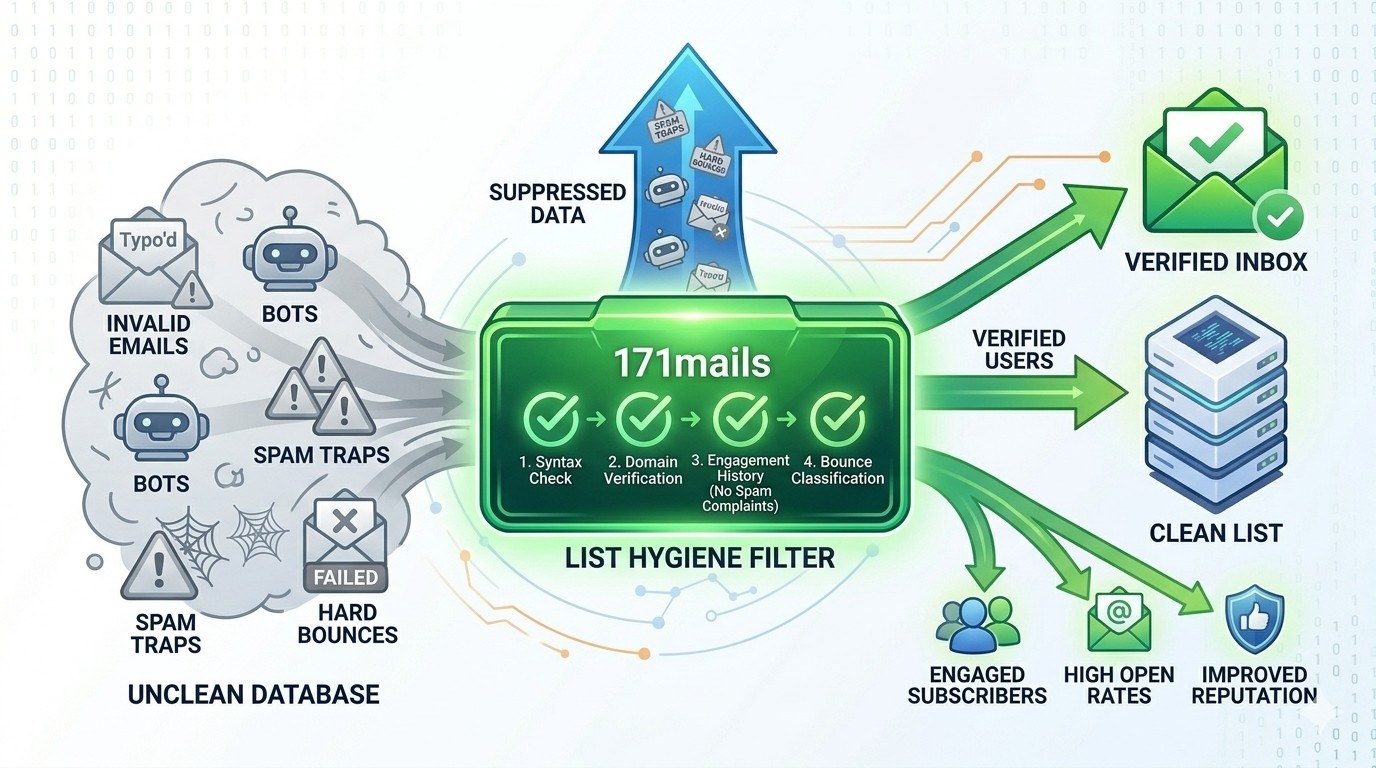
0.3% (The Red Line): If you hit or exceed this rate, Google’s “Delivery Mitigation” programs are disabled for your domain. No amount of “re-warming” will help you until this number drops. The Veteran Tip: Don’t just watch the daily rate; watch the 7-day trend. A steady climb from 0.05% to 0.15% is an early warning that your “Creative” or your “List Source” is starting to rot. Fix it before you hit the 0.3% cliff.
3. Interpreting the “Reputation Gap”
A common frustration: “My Domain Reputation is ‘High,’ but my mail is still going to spam.” GPT allows you to see the gap between IP Reputation and Domain Reputation.
-
Scenario: If your 171mails IPs have “High” reputation but your Domain is “Low,” the problem is your content or your brand’s historical “baggage.”
-
Scenario: If your Domain is “High” but your IP is “Low,” you are likely suffering from “Bad Neighbor” syndrome (if on a shared relay) or you haven’t warmed your dedicated node properly. 171mails Advantage: We provide dedicated, isolated IPs so that your Reputation Gap is always under your control, never influenced by other senders.
4. Delivery Errors: The “Why” Behind the Bounce
The Delivery Errors dashboard in GPT is your technical diagnostic center. It categorizes rejections into specific reasons:
-
Rate Limit Exceeded: You’re pushing too hard. Slow down your 171mails concurrency settings.
-
Suspected Spam: Google’s AI doesn’t like your links or your “Hash-Footprint” (see our previous guide on Hash-Busting).
-
Bad/Missing PTR: A technical failure in your rDNS. (Note: At 171mails, we pre-validate these to ensure you never see this error).
Quick Summary
Google Postmaster Tools V2 is the essential compliance dashboard for Gmail deliverability in 2026. Senders must maintain a spam rate below 0.3% (ideally 0.1%) and ensure 100% compliance with SPF, DKIM, DMARC, and One-Click Unsubscribe requirements. 171mails provides the dedicated infrastructure and technical alignment to ensure these metrics remain in the "High" reputation zone.